

Right now, you’re probably running OpenClaw on a laptop or a small home server. It works great: the gateway is online, Telegram/Zalo/Slack are wired up, skills are doing their job. Until you close the lid, your Wi‑Fi drops, or your team starts asking to use the same assistant and you have no idea where to put another server.
AgentBase Runtime solves exactly that problem: we host the gateway for you. You keep your existing config, skills, and channels — you only change where the gateway runs, from “your machine” to a managed runtime in the cloud.
Why running OpenClaw on your own machine doesn’t scale
OpenClaw is designed so that you can spin up a self‑hosted personal AI assistant: you run it on your own hardware, connect channels like WhatsApp, Telegram, Slack, and route everything through a local gateway. That’s perfect for experimentation, hacking, and personal use — but it starts to hurt once you want your assistant to behave like a real service: always online, shared by multiple people, and compliant with data requirements.
Three things typically break first:
- The gateway lives and dies with your laptop or home server; when it goes down, your assistant disappears with it.
- There’s no true long‑term, cross‑session memory layer baked into your infra.
- As soon as multiple people want to use the same agent, you’re hand‑rolling access control, sessions, and cost tracking.
- That’s where AgentBase Runtime comes in
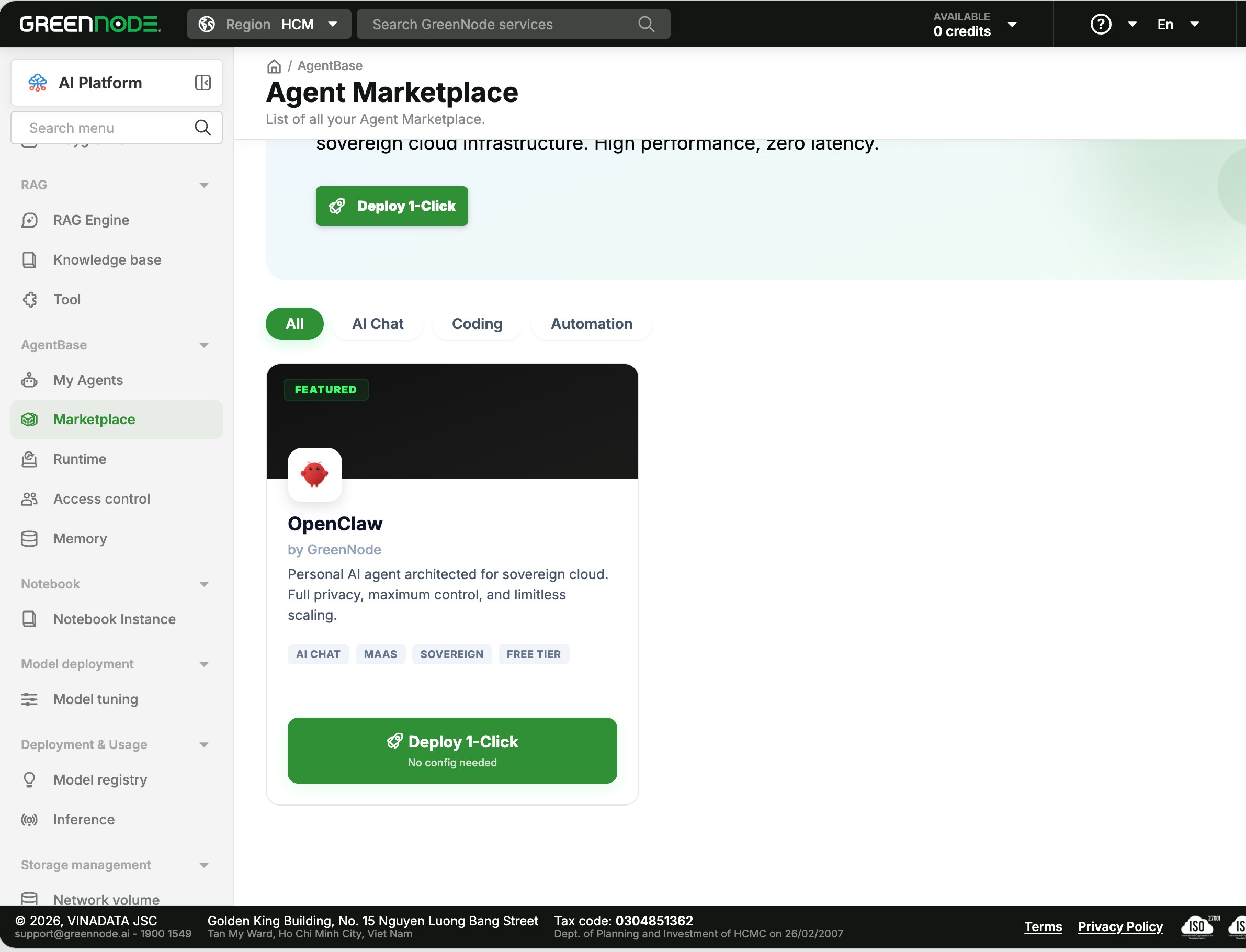
What you get when you move OpenClaw to AgentBase Runtime
An always‑on gateway that doesn’t depend on your laptop
On Runtime, your OpenClaw gateway runs on AgentBase infrastructure — not on your personal machine.
- No more leaving a laptop open 24/7 just to keep the gateway alive.
- No more renting a VPS, installing Node, fighting with systemd, and babysitting restarts.
- Uptime is managed for you, with automatic restarts when the service crashes.
WhatsApp pings you at 2 a.m.? The gateway still receives and processes the message. You fly somewhere without your laptop? Your assistant stays online across every channel you’ve connected.
A Memory Module that fills in what OpenClaw doesn’t ship with by default
Today, OpenClaw gives you session memory: you can use /compact to summarise and /reset to wipe the current conversation. That’s good enough for a single chat, but your agent doesn’t really “remember” you from yesterday’s session.
AgentBase’s Memory Module adds exactly what’s missing:
- Long‑term memory – your agent remembers across sessions. Tell it “I like short summaries, no fluff” once and it will remember that preference forever.
- Shared memory – if you run multiple agents (for example: one on Telegram for yourself, one on Slack for your team), they can share a common knowledge base at the layer you choose.
- Scoped access – you control which agents can read which memory segments, and personally identifiable information (PII) can be automatically purged based on policies you set.
The effect is simple: your agent feels consistent and personal over time, and you don’t have to “re‑train” it with the same preferences every time you start a new chat.
Observability: see what your agent is doing and what it costs you
When you run OpenClaw locally, your main view into the system is a terminal full of logs. On Runtime, you get a proper dashboard instead:
- Token usage per session, so you know exactly how much each conversation costs.
- Response latency metrics, so you can see if the bottleneck is the model, a skill, or the network.
- Error rates, retries, and timeouts, so you can pinpoint which skills or flows are failing.
With that information, you can make informed decisions: switch to a cheaper model, tune prompts, trim expensive features, or catch regressions early.
Multi‑user: turn a personal assistant into a team assistant
OpenClaw is built first and foremost for a single user. As soon as you want 5–10 people (or an entire team) to use the same agent over Slack, Teams, or internal channels, you need to answer a new set of questions:
- Who is allowed to talk to the agent?
- Does each person get their own session, or does everyone share one big context?
- How do you handle different roles and permissions?
AgentBase Runtime gives you an Identity layer underneath your gateway:
- Each user gets their own session by default, so contexts don’t leak between people unless you explicitly want them to.
- Memory and tools are access‑scoped: you decide who can see what, and who can trigger which skills.
- No more manual allowlists per channel and per user.
This is what lets you upgrade from “my personal OpenClaw instance” to “our team assistant” without rewriting your agent.
How to move OpenClaw to AgentBase Runtime in a few steps
The migration path is intentionally designed so you don’t touch the logic you’ve already built in OpenClaw. You just change where the gateway runs.
Step 1 – Export your current config and workspace
From your current OpenClaw setup, export:
- openclaw.json
- Your workspace (prompts, tools, workflows, etc.)
- Any custom skills or integrations you’ve wired in
That bundle is essentially the “definition” of your agent.
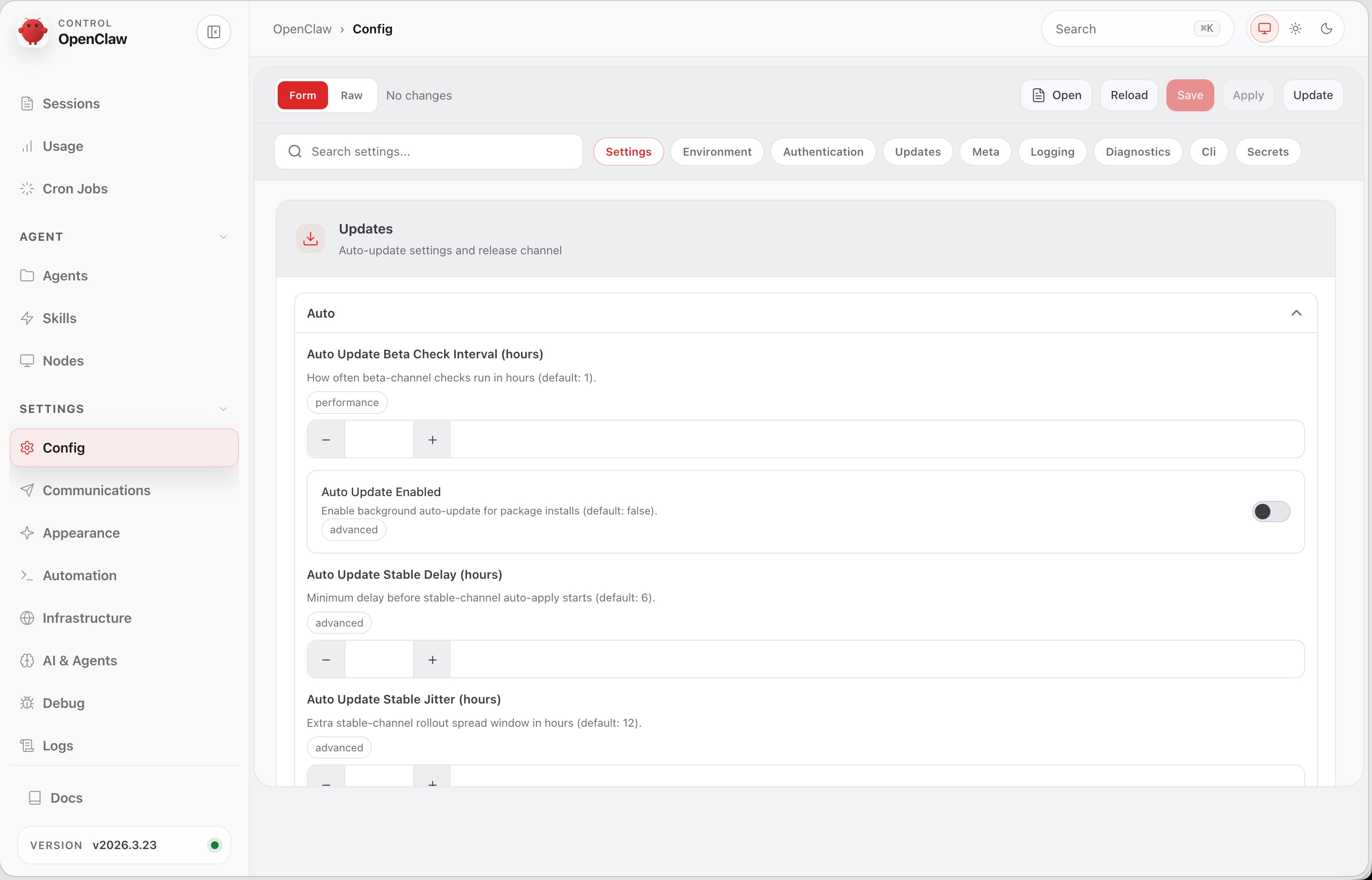
Step 2 – Point that config at AgentBase and let the wizard do the heavy lifting
Next:
- Sign up for AgentBase Runtime.
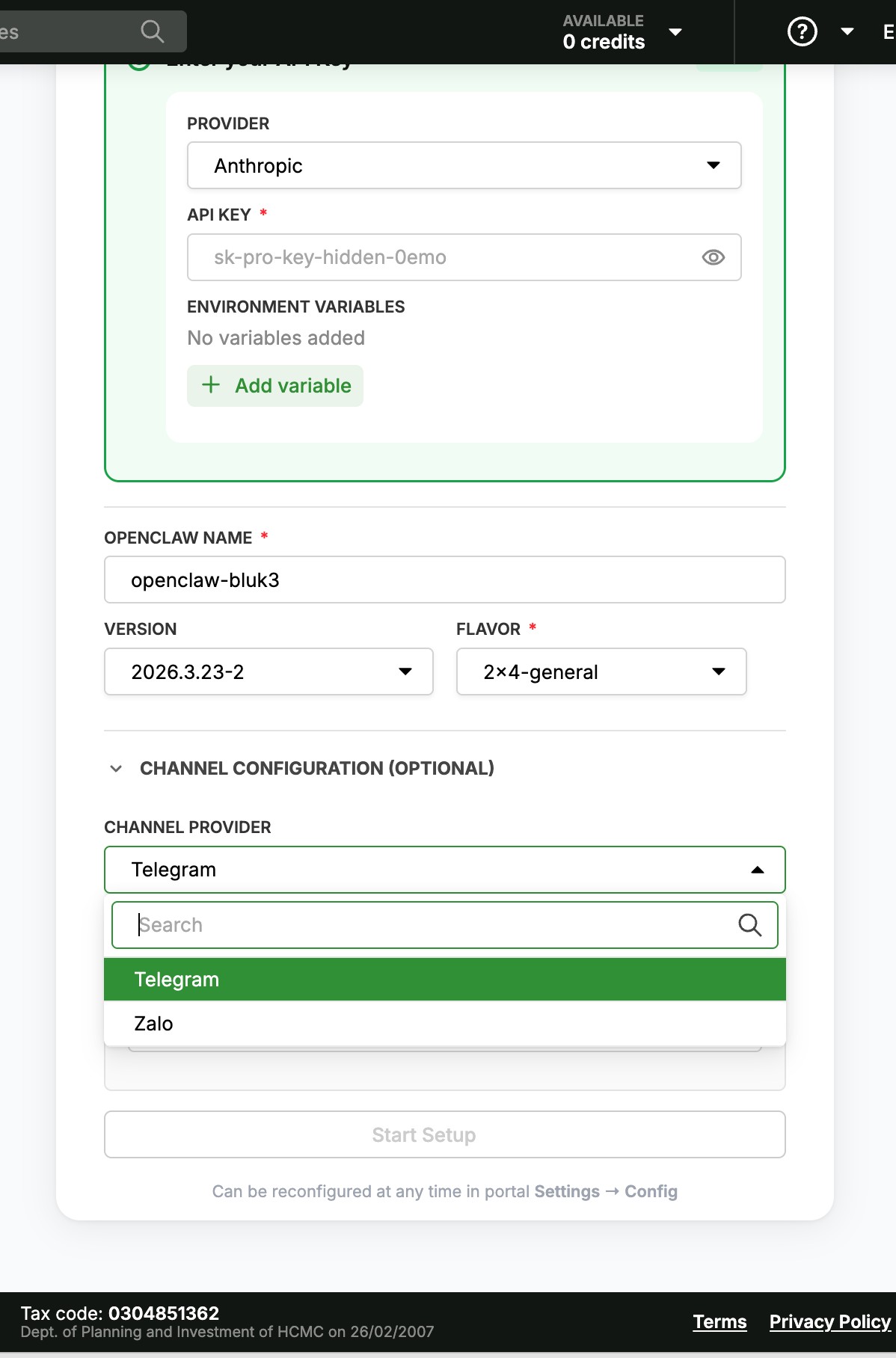
- Launch the “Migrate OpenClaw” wizard and upload or connect your openclaw.json, workspace, and skills.
- The wizard will spin up a matching gateway on Runtime for you — model config, secrets, callbacks, webhooks and all.
No new code. No re‑building your agent. Just a new place to run it.
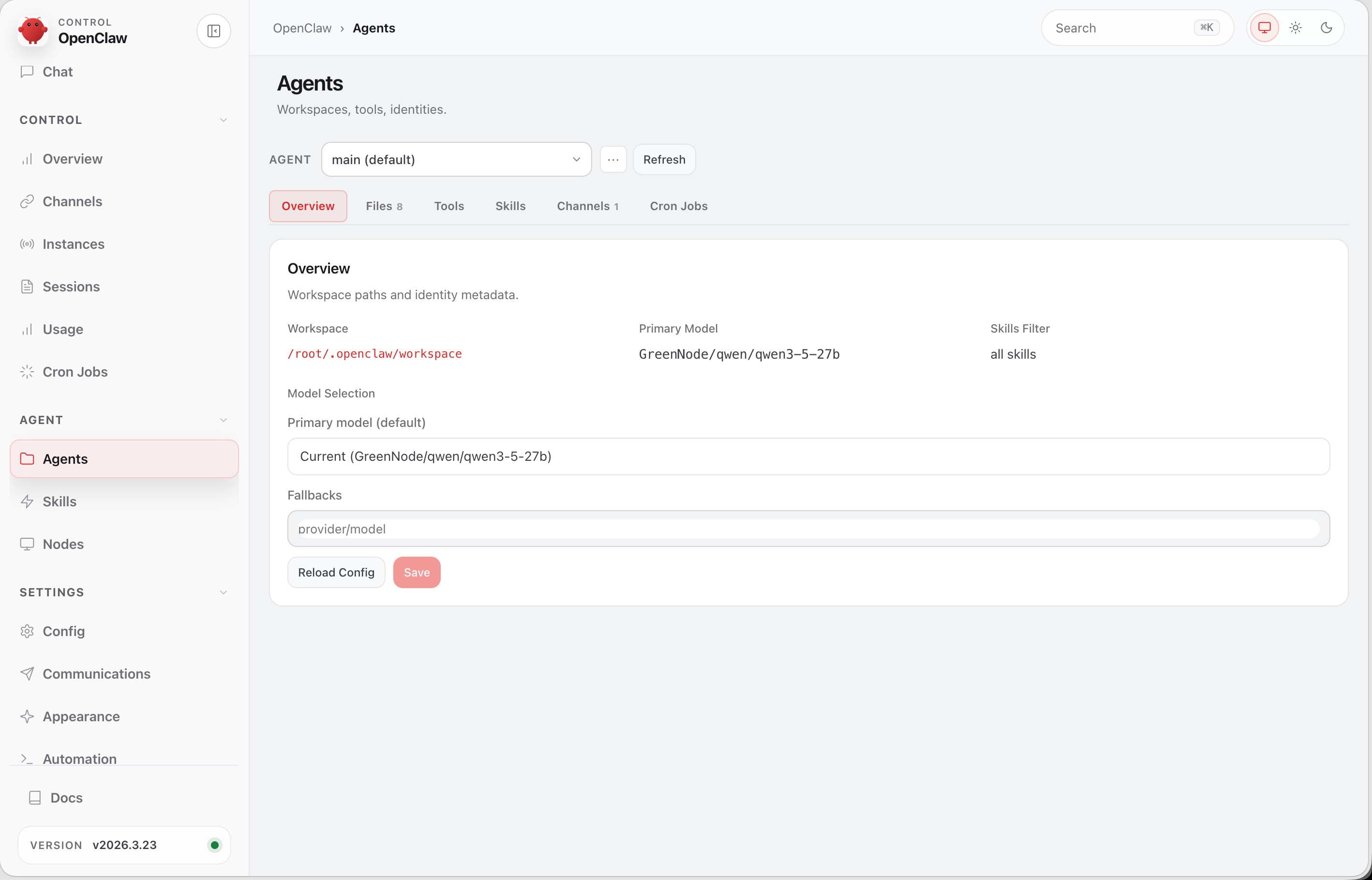
Step 3 – Re‑link channels… and close your laptop
Once the new gateway is up:
- Re‑link your channels (WhatsApp/Telegram/Zalo/Slack, etc.) to the Runtime gateway endpoint.
- Run through a few critical flows to make sure everything behaves as expected.
- From that point on, you’re free to shut your machine down — the gateway lives in the cloud.
Your config stays the same. Your skills stay the same. You just gain a production‑grade runtime underneath.
When does it actually make sense to move?
You don’t have to jump to Runtime on day one. But if any of these feel familiar, you’re probably there already:
- You’re tired of keeping a machine on 24/7 just to keep the gateway online.
- You want your agent to remember context across sessions instead of “/reset and forget” every time.
- You’ve built something genuinely useful and more people are asking to use it.
- You need a clear picture of token usage, model cost per day, and which sessions are misbehaving.
- Your company has data‑residency and audit requirements in Vietnam and you can’t just host everything offshore.
If that sounds like you, moving OpenClaw to AgentBase Runtime will save you a lot of operational pain and make you much more comfortable letting others rely on your agent day‑to‑day.
Keeping your OpenClaw data in Vietnam actually matters
AgentBase Runtime runs on GreenNode infrastructure in Vietnam. That means session data, memory, and logs live inside the country and are aligned with Vietnam’s data‑localization requirements (such as under the Cybersecurity Law and related decrees like Decree 53).
This matters when:
- You’re dealing with customer data, transactions, or sensitive internal information for Vietnamese users.
- Your legal/compliance team insists on local data residency and auditable logs.
- You want modern AI agents and multi‑channel assistants without stepping outside the regulatory boundaries you’re operating in.
For OpenClaw users in Vietnam, AgentBase is one of the very few runtime options that let you run serious agents while keeping data onshore.
AgentBase is now GA — production-ready infrastructure for the agents you actually run
AgentBase is now Generally Available: a fully managed platform for building and operating AI agents at production scale, with modules for Runtime, Access Control, Insight, Context, Gateway, and Tools. In practice, that means AgentBase gives you production-grade building blocks — uptime, security, observability, identity, and memory — so you can focus on the behavior and skills that make your agent useful, instead of babysitting infrastructure.
If you already have OpenClaw running locally, or you're about to put your agent in front of real users, there's no better time to move to a proper production environment.
You get a runtime hosted in Vietnam that keeps your gateway online, adds a proper Memory module, and gives you observability and multi-user support out of the box — without the overhead of building and maintaining it yourself.
Migrating OpenClaw to AgentBase Runtime is straightforward. Reach out and we'll help you get your assistant running as a real, always-on service — not just a process on your laptop.
